Some things need a recording.
Capture an area or your display as MP4, with optional system audio. Export a short GIF when a still image isn’t enough.
Recording capabilities Lenscap
Capture the detail. Mark it up. Put it to work.
A small, native Mac app that keeps your captures yours.
For Apple silicon Macs · macOS 14 or later
For a bug report, a quick explanation,
or something you want to keep.
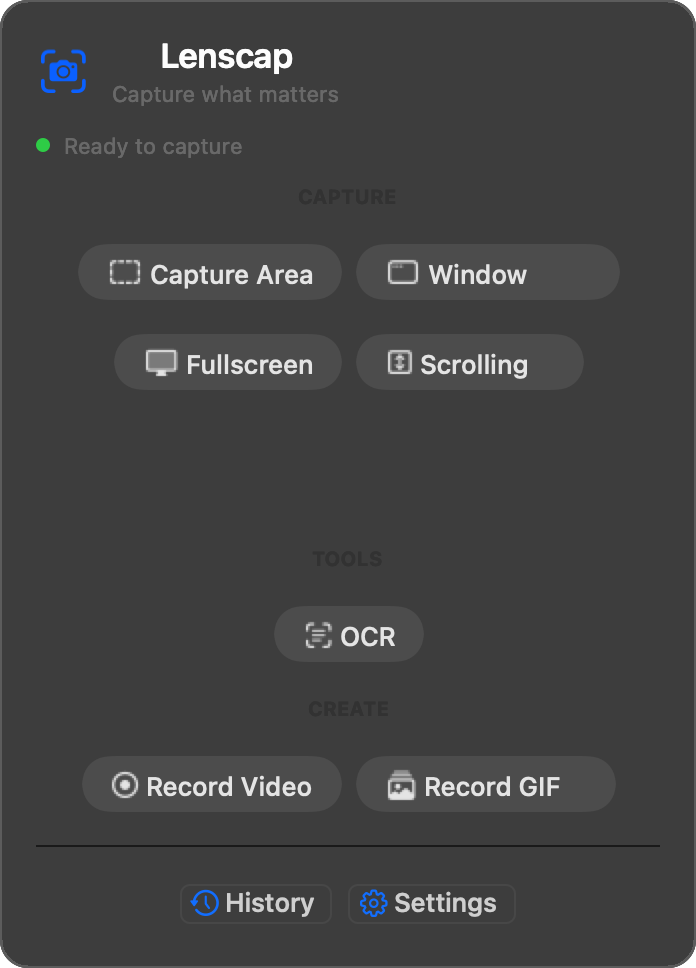
Select an area, a window, or the whole display. Use the magnifier for precise edges, or set a timer to catch a menu in place.
Add arrows, text and highlights. Crop the excess, blur sensitive details, and adjust the background before you share.
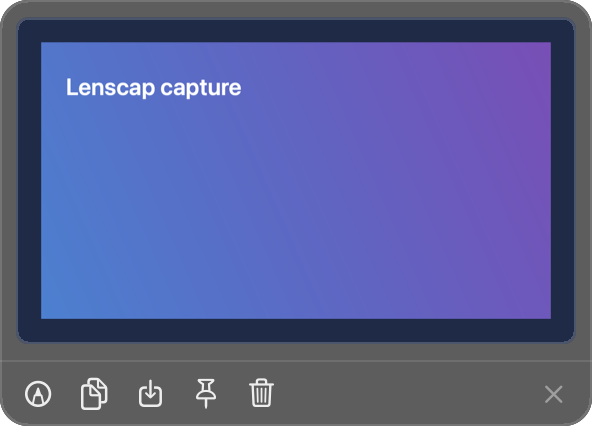
Copy to your clipboard, save to a folder, drag into another app, or pin a capture above your windows. Local history keeps the latest 300 captures close.
Capture an area or your display as MP4, with optional system audio. Export a short GIF when a still image isn’t enough.
Recording capabilitiesCopy text from your screen using Apple’s on-device recognition. Paste it straight into whatever you’re working on.
OCR runs locally on your Mac.
No Lenscap account. No capture telemetry. No upload by default.
Screenshots, recordings and history stay local. Choose a folder, use your clipboard, and get on with your work.
Personal Cloud is an optional technical preview. Lenscap ships with no hosted backend and no cloud credentials. Advanced users can deploy the open-source function to their own Neon project and supply their own key. Only new eligible captures upload; old history is not backfilled. Keep local originals. Anyone with a signed sharing link can use it until it expires.
The source is MIT licensed and stays available. The packaged release supports continued development, Lenscap 1.x updates, and product support.
About the sourceNo payment is taken today. Sales open only after the release build passes signing, notarization, and Gatekeeper checks.
Lenscap saves screenshots, videos, and GIFs to ~/Pictures/Lenscap by default. You can choose another folder, copy screenshots to the clipboard, or change both behaviors in Settings. Capture-history metadata stays on your Mac.
Not by default. Captures remain on your Mac unless you explicitly connect the Personal Cloud technical preview. It uploads only new eligible captures after configuration and does not scan or backfill old history.
No. The Mac app contains no analytics or capture telemetry. The public website also ships without behavioral analytics or advertising trackers.
No Lenscap account is required. Screenshots, recording, annotation, OCR, local history, and local saving work offline. Network access is limited to update checks you enable and a Personal Cloud you configure with your own Neon project and credentials.
macOS uses Screen Recording permission for any app that reads pixels from the screen, including still screenshots. Lenscap checks the current permission when you start a capture.
No. The current build can record system audio, but it does not record microphone audio or webcam video and does not include a timeline video editor.
Scrolling capture is an experimental preview. It supports manual steps or automatic scrolling and is capped at 40 frames or 20,000 pixels. Complex pages and nested scroll areas can produce seams.
The planned one-time individual license covers the Macs that one person uses, for personal or commercial work, and includes every Lenscap 1.x update. A future major version may be a paid upgrade.